iOS 26.6.2 Update: The Best Fix for Cellular Issues
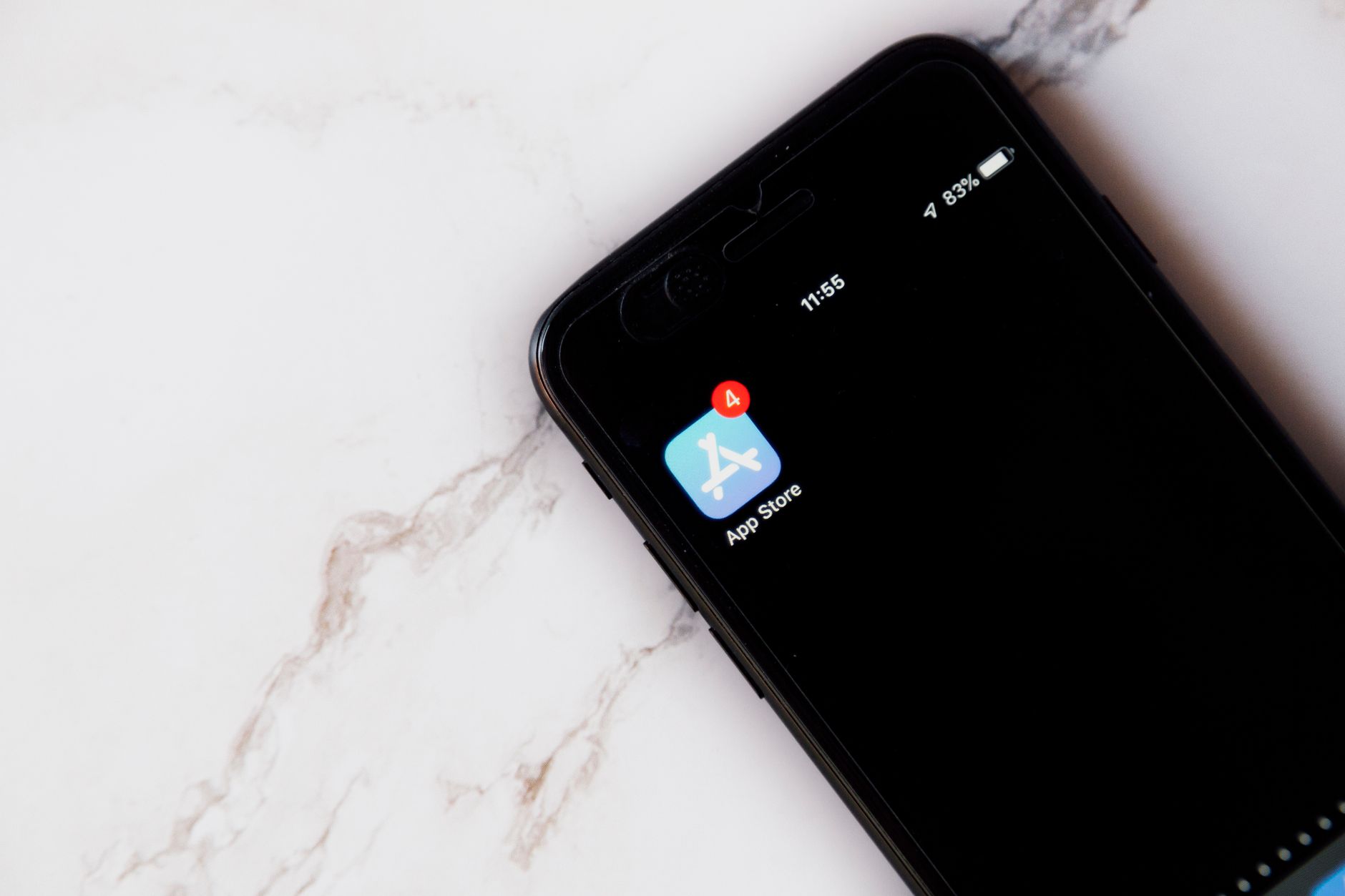
The iOS 26.6.2 update is here, addressing crucial cellular connectivity issues for users. This latest release from Apple promises to enhance your device’s performance and reliability.
What’s New in iOS 26.6.2?
Apple has officially released the iOS 26.6.2 update, addressing several critical issues that users have experienced with their cellular connectivity. This latest update aims to enhance the overall performance and reliability of mobile services on various iPhone models.
Key improvements in this update include:
- Cellular Connectivity Fix: Resolves persistent issues that caused dropped calls and unstable connections.
- Battery Optimization: Enhances battery life during cellular usage, ensuring longer usage times without frequent recharges.
- Network Stability: Improves the stability and speed of data connections, providing a smoother user experience.
Users are encouraged to download and install the iOS 26.6.2 update to benefit from these enhancements and ensure their devices perform optimally.
How to Update Your iPhone
Updating your iPhone to the latest version is a straightforward process that ensures optimal performance and security. To install the iOS 26.6.2 update, follow these simple steps:
- Open the Settings app on your iPhone.
- Scroll down and tap on General.
- Select Software Update.
- Your device will check for available updates. If iOS 26.6.2 appears, tap Download and Install.
- Ensure your device is connected to Wi-Fi and has sufficient battery life or is plugged in.
After the download is complete, your iPhone will prompt you to install the update. Follow the on-screen instructions to complete the process. Once installed, you should notice improvements in cellular connectivity and overall performance.
Common Issues Resolved
The recent iOS 26.6.2 update has addressed several common issues that users have been facing with their cellular connectivity. Many iPhone owners reported problems such as dropped calls, weak signal strength, and difficulty connecting to cellular networks. With this update, Apple aims to enhance user experience by resolving these persistent issues.
Some of the common problems that have been resolved include:
- Improved call quality and connectivity.
- Enhanced signal reception in low-coverage areas.
- Faster data speeds during peak usage times.
Users are encouraged to install the iOS 26.6.2 update to experience these enhancements and enjoy a more reliable cellular experience on their devices.
User Feedback on iOS 26.6.2
Users have begun to share their experiences following the release of the iOS 26.6.2 update, particularly regarding improvements in cellular connectivity. Many have reported a significant decrease in dropped calls and enhanced signal strength in previously problematic areas.
Feedback highlights include:
- Improved call quality: Users have noted clearer audio during phone calls.
- Faster data speeds: Many have experienced quicker loading times for apps and web pages.
- Stability: A reduction in random disconnections has been a common theme among user reviews.
Overall, the reception to the iOS 26.6.2 update has been largely positive, with users appreciating Apple’s efforts to address ongoing cellular issues.
Comparing iOS 26.6.2 with Previous Versions
The recent iOS 26.6.2 update brings significant improvements compared to its predecessors, particularly in addressing cellular connectivity issues. Users have reported a noticeable enhancement in signal strength and call quality, which were common complaints in previous versions.
In contrast to iOS 26.6.1, which still exhibited intermittent cellular drops for some users, the new update appears to stabilize connections more effectively. This has made a substantial difference for those relying on their devices for communication and data services.
Additionally, while iOS 26.6.0 introduced various features, it failed to resolve many underlying connectivity problems. Thus, the iOS 26.6.2 update stands out as a critical step forward, focusing specifically on enhancing cellular performance.
Overall, users who upgrade to iOS 26.6.2 are likely to experience a more reliable and efficient cellular experience.
Tips for Optimal Cellular Performance
To ensure optimal cellular performance after the iOS 26.6.2 update, consider the following tips:
- Check Signal Strength: Always verify that you are in an area with good network coverage. Weak signals can affect call quality and data speeds.
- Reset Network Settings: If issues persist, resetting your network settings can help. Go to Settings > General > Transfer or Reset iPhone > Reset > Reset Network Settings.
- Toggle Airplane Mode: Sometimes, simply turning on Airplane Mode for a few seconds and then turning it off can refresh your connection.
- Contact Your Carrier: If problems continue, reach out to your carrier for assistance, as they may have additional insights.
Implementing these tips can significantly enhance your experience with the iOS 26.6.2 update.
Conclusion and Next Steps
In conclusion, the iOS 26.6.2 update has proven to be a significant improvement for users experiencing cellular connectivity issues. With its targeted fixes and enhancements, this update addresses many common complaints, ensuring a smoother and more reliable mobile experience.
As you move forward, consider the following next steps:
- Ensure your device is running the latest update to benefit from the fixes.
- Monitor your cellular performance and report any persistent issues to Apple Support.
- Stay informed about future updates that may further enhance your device’s functionality.
By taking these steps, you can maximize the advantages offered by the iOS 26.6.2 update and enjoy a more robust connection on your iPhone.
Photo by Image Hunter on Pexels