Is the OPPO Reno 15 5G Update the Best ColorOS 17 Yet?
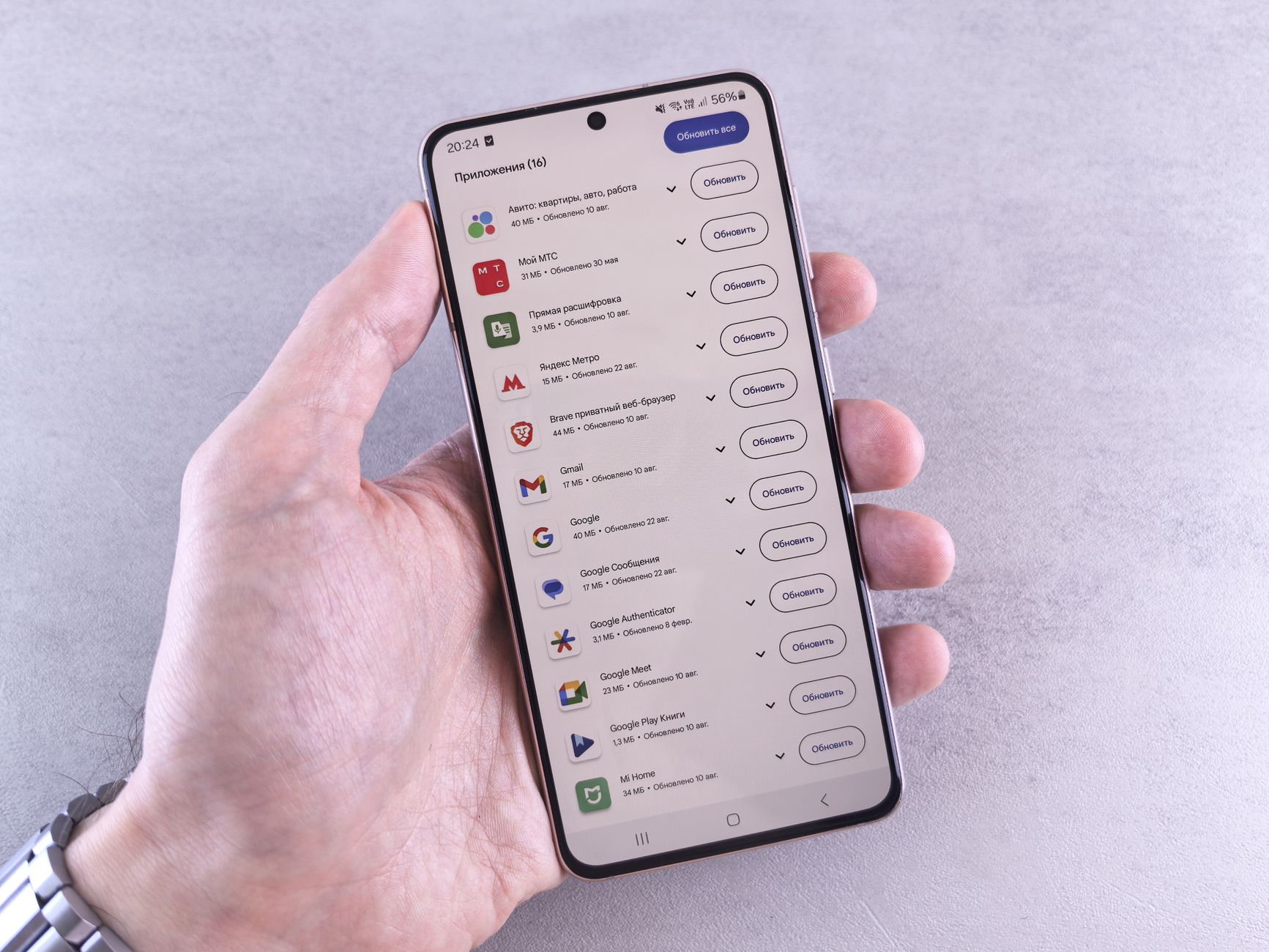
The OPPO Reno 15 5G update has finally arrived, delivering the stable ColorOS 17 experience to users. This update promises exciting features and enhancements.
What’s New in ColorOS 17 for OPPO Reno 15?
The latest update for the OPPO Reno 15 5G brings exciting features and enhancements with the introduction of ColorOS 17. This update aims to improve user experience significantly and offers a range of new functionalities that users can enjoy.
Here are some of the notable features included in the ColorOS 17 update:
- Enhanced User Interface: The new interface is designed to be more intuitive, with smoother transitions and improved accessibility options.
- Improved Privacy Features: Users will benefit from advanced privacy tools that give them more control over their data and app permissions.
- Optimized Performance: The update includes performance enhancements that ensure faster app launches and improved battery life, making the OPPO Reno 15 5G even more efficient.
- New Customization Options: ColorOS 17 introduces additional themes and personalization features, allowing users to tailor their devices to match their unique style.
- AI Enhancements: The AI capabilities have been upgraded, providing smarter suggestions and improved photography features.
With the OPPO Reno 15 5G update, users can expect a more dynamic and engaging smartphone experience, making ColorOS 17 one of the most anticipated versions to date.
How to Update Your OPPO Reno 15 to ColorOS 17
Updating your OPPO Reno 15 5G to ColorOS 17 is a straightforward process that can be completed in just a few steps. Follow this guide to ensure a seamless transition to the latest software version.
First, make sure your device is charged to at least 50% to prevent any interruptions during the update. Next, connect to a stable Wi-Fi network to avoid data charges and ensure a faster download speed. Once you’re ready, follow these steps:
- Open the Settings app on your OPPO Reno 15 5G.
- Scroll down and tap on About Phone.
- Select Software Updates to check for available updates.
- If ColorOS 17 is available, tap Download and wait for the process to complete.
- After the download, tap Install to begin the installation.
Once the installation is complete, your OPPO Reno 15 5G will reboot automatically. You can now enjoy the enhanced features that ColorOS 17 has to offer. Remember to back up your data before starting the update to avoid any loss.
Key Features of the OPPO Reno 15 5G Update
The OPPO Reno 15 5G update introduces a host of exciting features that enhance user experience and device performance. Below are some of the key highlights:
- Enhanced User Interface: The latest update brings a more intuitive and visually appealing UI, making navigation smoother and more enjoyable.
- Improved Battery Management: Users can expect better battery optimization, allowing for extended usage without frequent recharges, thanks to intelligent power-saving modes.
- Advanced Privacy Features: The update includes robust privacy controls, ensuring that user data is better protected and giving users more control over their personal information.
- Performance Boost: With the implementation of optimized algorithms, the device shows significant improvements in processing speed and multitasking capabilities.
- New Customization Options: The update offers a wider array of themes and customization options, allowing users to personalize their devices according to their preferences.
Overall, the OPPO Reno 15 5G update not only enhances functionality but also elevates the overall smartphone experience, making it a noteworthy improvement for users looking to maximize their device’s potential.
User Reactions to the OPPO Reno 15 Update
User reactions to the OPPO Reno 15 5G update have been largely positive, with many users praising the enhancements brought by ColorOS 17. The update has introduced several features that have significantly improved user experience and device performance.
Many users took to social media to express their excitement:
- Performance Improvements: A user commented, “The OPPO Reno 15 5G update has made my device faster and more responsive. I can’t believe the difference!”
- Customization Options: Another user stated, “I love the new customization features in ColorOS 17. It feels like a whole new phone!”
- User Interface: Some users highlighted the sleek design and intuitive interface, with one saying, “The aesthetic updates are stunning; I’m really impressed!”
However, not all feedback has been without criticism. A few users reported minor bugs and compatibility issues:
- “There are some glitches in the camera app, but I’m sure they will be fixed in future updates,” mentioned a concerned user.
- “Overall, though, I think the OPPO Reno 15 5G update is a step in the right direction,” added another.
As users continue to explore the new features, it is clear that ColorOS 17 is making a significant impact on the OPPO Reno 15 series.
Comparing ColorOS 17 with Previous Versions
The release of the OPPO Reno 15 5G update, featuring ColorOS 17, marks a significant milestone in smartphone software development. Users have been keen to compare this latest version with its predecessors to determine the enhancements and improvements made. ColorOS 17 brings forth a range of features that elevate user experience, and here’s how it stands up against earlier versions:
- Performance: ColorOS 17 optimizes resource management, resulting in smoother multitasking compared to ColorOS 16.
- User Interface: The design has been refined, offering a more intuitive navigation system that enhances usability, unlike the older versions which had a steeper learning curve.
- Customization: Users now have more options to personalize their device, a feature that was limited in previous iterations.
- Privacy Controls: Enhanced privacy features in ColorOS 17 provide users with greater control over their data, setting it apart from earlier updates.
- Battery Efficiency: Improved algorithms in ColorOS 17 contribute to better battery life, addressing concerns users had with earlier releases.
Overall, the OPPO Reno 15 5G update is shaping up to be one of the best versions of ColorOS yet, making it a compelling choice for current and prospective users.
Is the OPPO Reno 15 Worth the Upgrade?
The OPPO Reno 15 has generated a lot of buzz since the recent ColorOS 17 update, prompting many users to consider whether the upgrade is worth it. With enhanced features and improved performance, the OPPO Reno 15 5G update promises a more refined user experience that aligns with modern smartphone expectations.
Several factors contribute to the decision of whether to upgrade:
- Performance Enhancements: Users have reported smoother multitasking and improved app launch speeds after the update.
- User Interface Changes: The new version of ColorOS introduces a more intuitive layout and customizable options, catering to diverse user preferences.
- Battery Optimization: Many have noted better battery management, allowing for longer usage times without frequent charging.
- New Features: The update includes several new features such as expanded privacy controls and enhanced camera functionalities that many find appealing.
Ultimately, the decision to upgrade to the OPPO Reno 15 5G update will depend on individual user needs and how much they value the enhancements brought by ColorOS 17. For those looking for a device that keeps up with current technology, the update may very well justify the switch.
Expert Reviews on OPPO Reno 15 Performance
Experts have weighed in on the recent OPPO Reno 15 5G update, particularly focusing on its performance enhancements and user experience with the latest ColorOS 17. Reviewers have reported that the device delivers a smooth and responsive interface, which is a significant improvement over its predecessor.
Many reviewers highlighted the following aspects:
- Speed and Efficiency: The OPPO Reno 15 operates with remarkable speed, allowing users to multitask seamlessly without noticeable lag.
- Battery Life: The ColorOS 17 update has optimized power consumption, resulting in extended battery life even with heavy usage.
- Camera Performance: Experts noted enhancements in camera features, especially in low-light conditions, providing users with high-quality images.
- User Interface: The new interface is not only visually appealing but also user-friendly, making navigation intuitive.
Overall, expert reviews suggest that the OPPO Reno 15 5G update significantly enhances the device’s overall performance, making it a compelling choice for users seeking a reliable and efficient smartphone experience. The consensus is that ColorOS 17 represents a notable step forward in OPPO’s software offerings.
Photo by Andrey Matveev on Pexels